Search Algorithms
Methods computers use to find something specific, just like how you look for your keys in different places. 🔍
간단 소개
Search algorithms are like different strategies we use to find things in everyday life. Just as you might look for a book in a library or a name in a phone directory, computers need organized ways to find information in their data. These methods help computers find what they're looking for quickly and efficiently, saving time and effort.
주요 설명
Linear Search 📋
It's like checking every box in your room one by one until you find what you want. The computer looks at each item in order until it finds the right one. Simple but can be slow with lots of items.
Binary Search 📚
Imagine looking up a word in a dictionary - you open it in the middle and decide to look in the first or second half. The computer does the same with sorted data, making the search much faster.
Hash Search 🎯
It's like knowing exactly which drawer contains your socks because you always put them there. The computer uses a special formula to know exactly where to look, making it super fast.
Tree Search 🌳
Think of a family tree where you can trace relationships by following branches. The computer uses similar branching paths to narrow down the search area quickly.
예시
- Finding a contact in your phone: When you type the first few letters, your phone uses a search algorithm to quickly show matching names, rather than checking every contact one by one. 📱
- Looking for a book in a library: The way libraries organize books by categories and then alphabetically is similar to how search algorithms organize and find data efficiently. 📚
- Finding your car in a parking lot: Starting from a specific section and systematically checking rows is like how a computer might search through organized data to find what it needs. 🚗
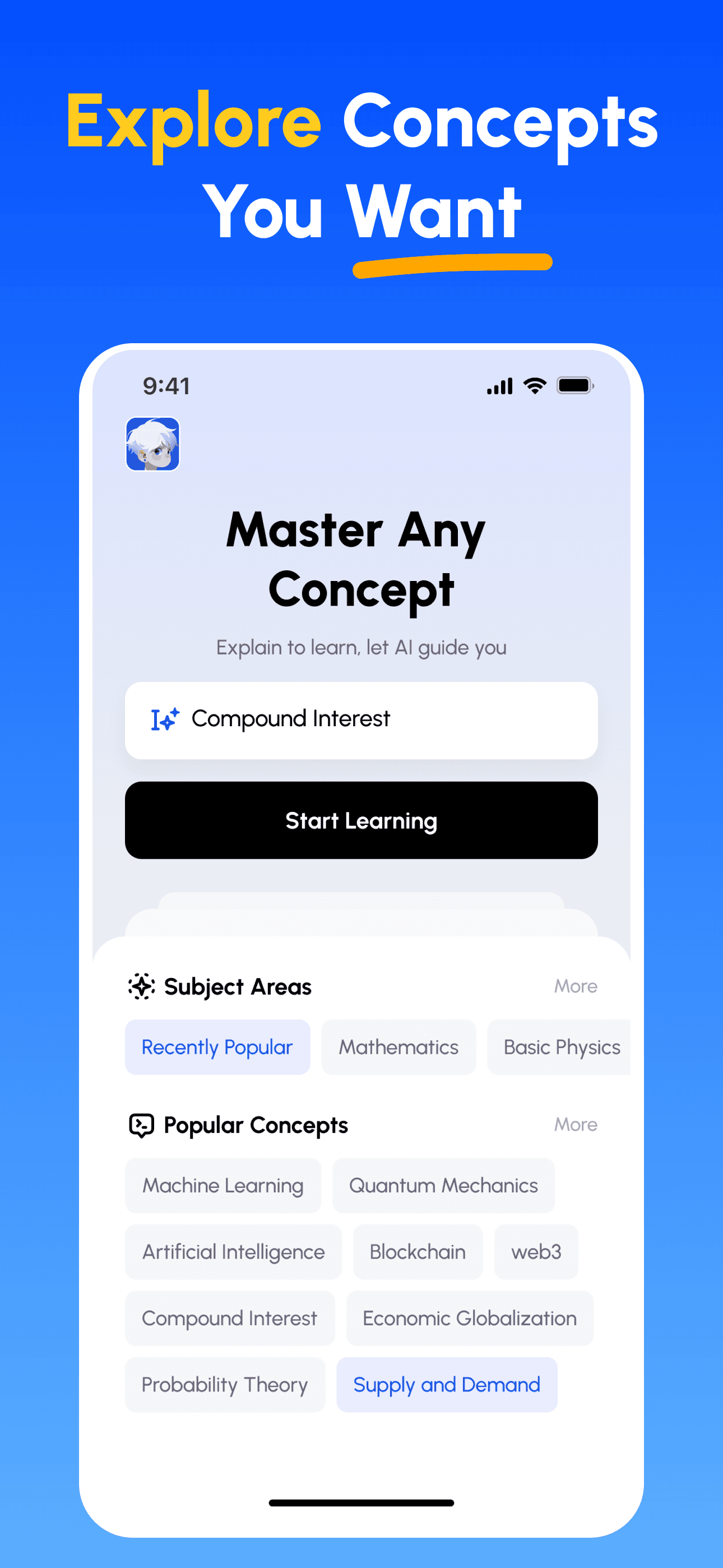
3단계로 모든 과목 마스터하기
- 학습 목표 선택: 이공계, 비즈니스, 인문학, 전문 기술 등 수백 가지 개념 중에서 선택하세요. 복잡한 주제를 관리하기 쉬운 단위로 분해합니다.
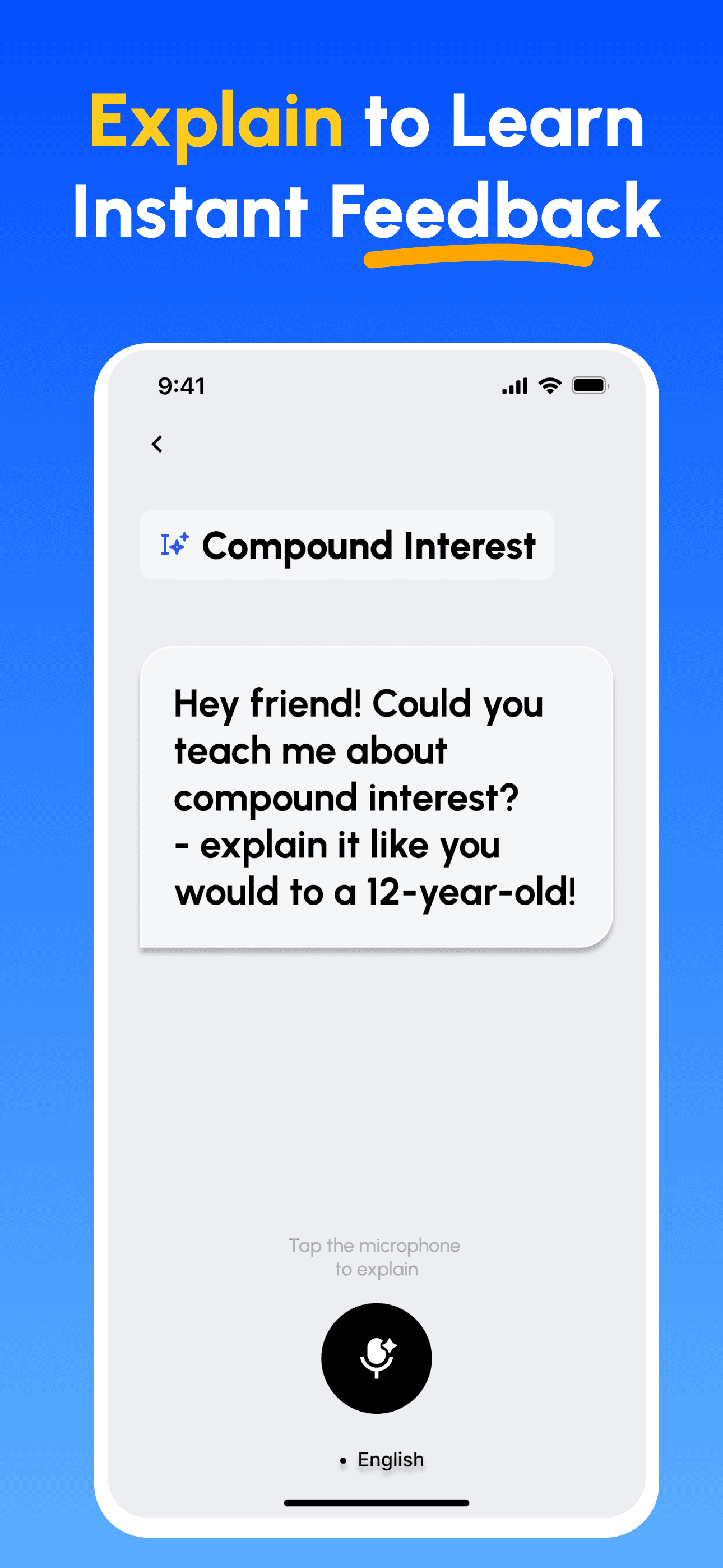
- 가르치면서 배우기: AI 기반 플랫폼을 사용하여 다른 사람을 가르치듯이 개념을 설명하세요. 지식의 격차를 즉시 발견하고 보완합니다.
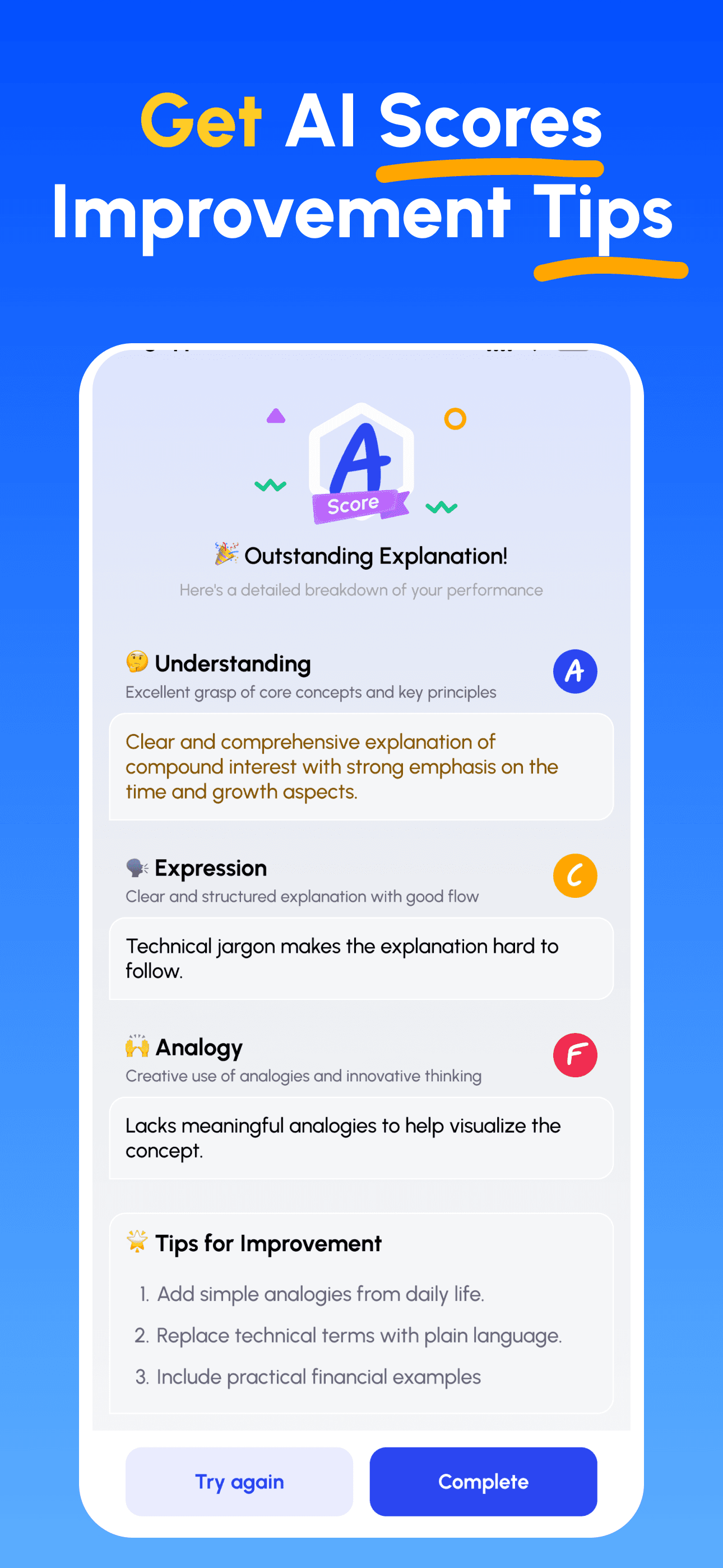
- AI 전문가 가이드 받기: 이해도, 설명의 명확성, 실제 적용 능력에 대한 즉각적이고 상세한 피드백을 받으세요.
- 점수 확인 및 개선: 타깃 팁을 따르고 설명을 다듬어, 간단히 가르칠 수 있을 때까지 반복하세요.
지금 파인만 AI 다운로드
더 나은 커뮤니케이션을 위한 여정을 오늘 시작하세요!