If-Then Logic
If-Then logic is like making a decision: when something happens, you take a specific action in response. 🤔
간단 소개
If-Then logic is a way of making decisions based on conditions, just like how we make choices in everyday life. 🔄 It's the same as saying 'If it rains, then I'll take an umbrella' or 'If I'm hungry, then I'll eat.' This simple but powerful concept is used everywhere, from basic decision-making to complex computer programming.
주요 설명
Basic Structure 📝
If-Then logic has two main parts: a condition (the 'if' part) and an action (the 'then' part). It's like having a light switch - if you flip it up, then the light turns on.
Decision Making 🤹
The condition must be either true or false, like a yes/no question. If the condition is true, the action happens. If it's false, the action doesn't happen. It's like a vending machine: if you put in enough money, then you get your snack.
Multiple Conditions 🎯
You can combine multiple if-then statements. It's like getting ready for weather: if it's cold, then wear a coat; if it's raining, then take an umbrella; if it's sunny, then wear sunscreen.
Cause and Effect ⚡
If-Then logic shows the relationship between causes and effects. It's like dominos - if you push the first one, then all the others will fall in sequence.
예시
- 🌧️ Weather App: If the temperature drops below freezing, then the app sends a frost warning notification.
- 🎮 Video Game: If the player collects 100 coins, then they earn an extra life.
- 🚦 Traffic Light: If the light turns red, then cars must stop; if it turns green, then cars can go.
3단계로 모든 과목 마스터하기
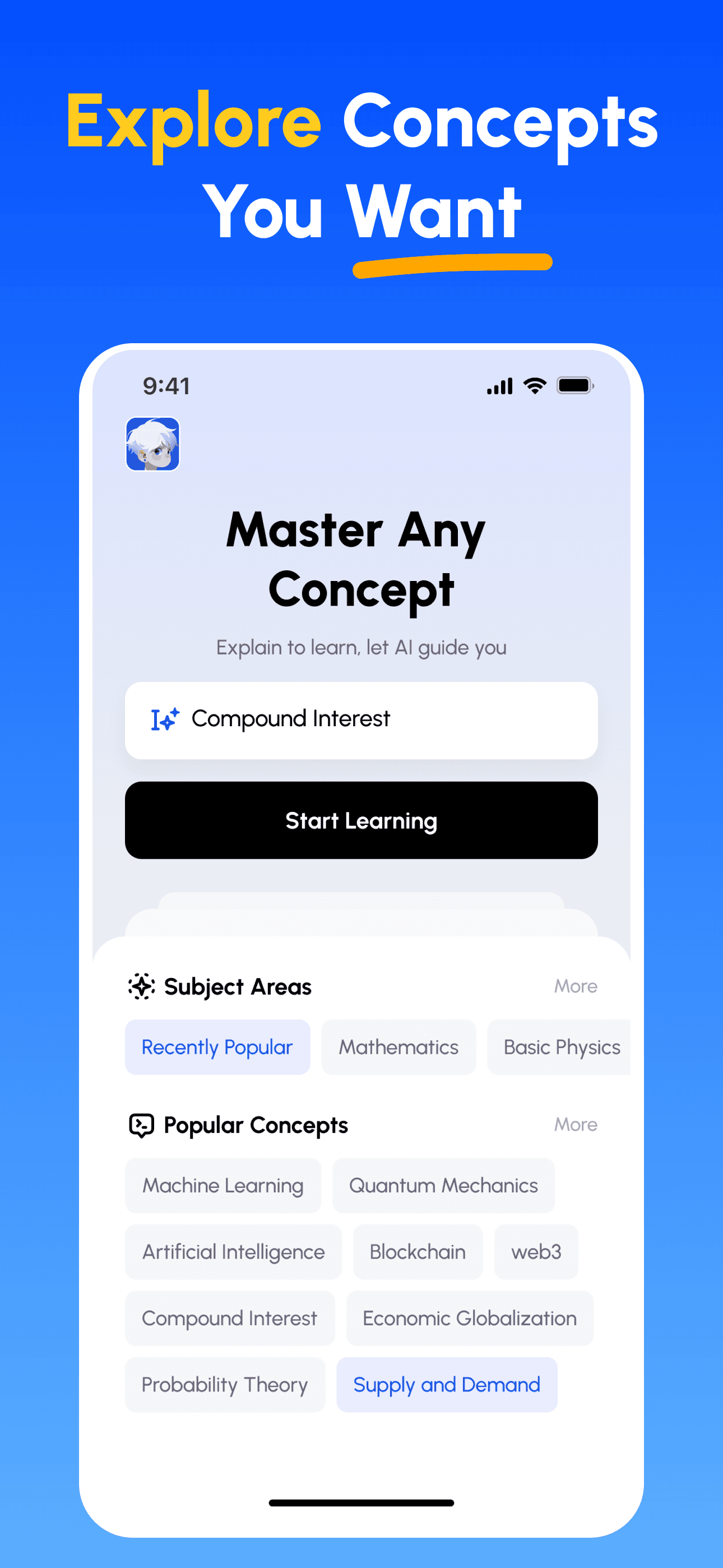
- 학습 목표 선택: 이공계, 비즈니스, 인문학, 전문 기술 등 수백 가지 개념 중에서 선택하세요. 복잡한 주제를 관리하기 쉬운 단위로 분해합니다.
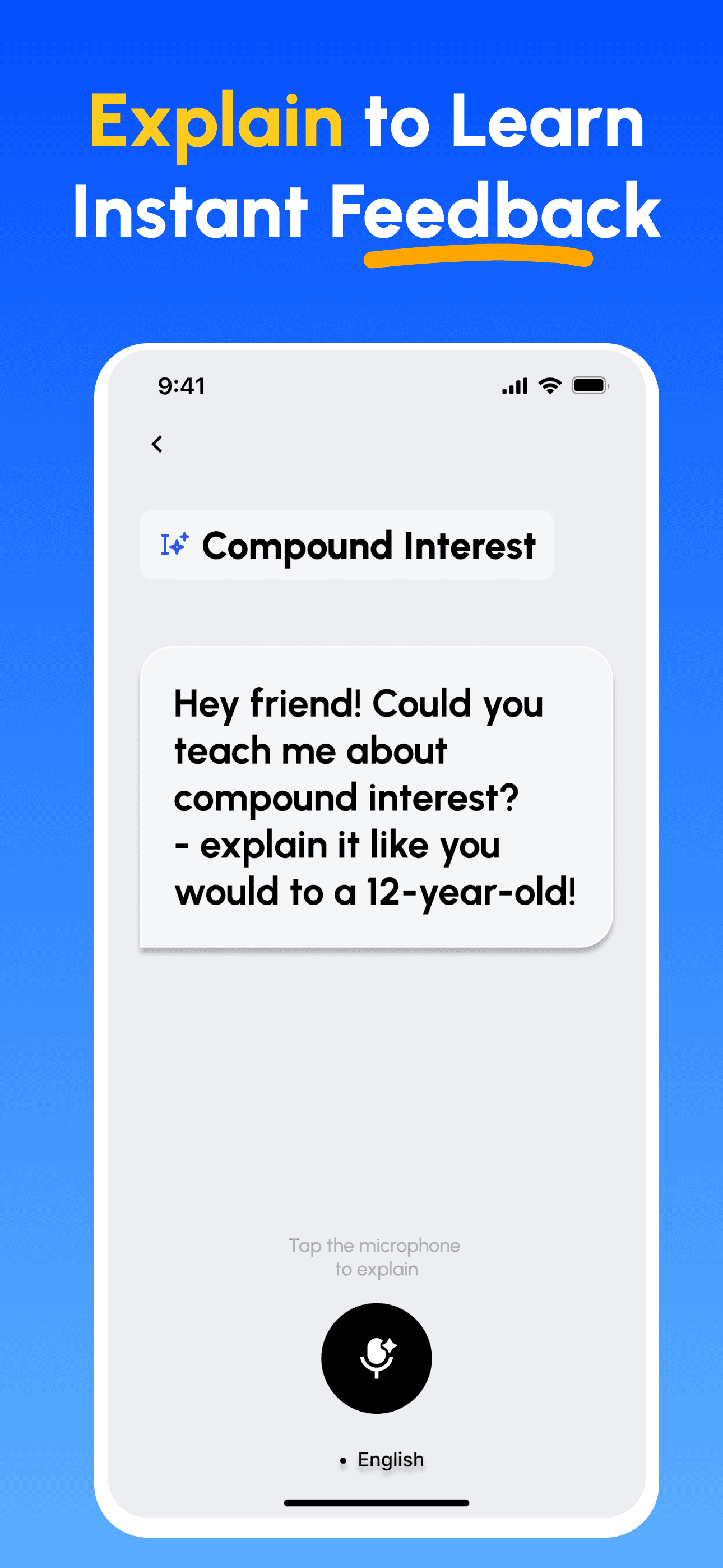
- 가르치면서 배우기: AI 기반 플랫폼을 사용하여 다른 사람을 가르치듯이 개념을 설명하세요. 지식의 격차를 즉시 발견하고 보완합니다.
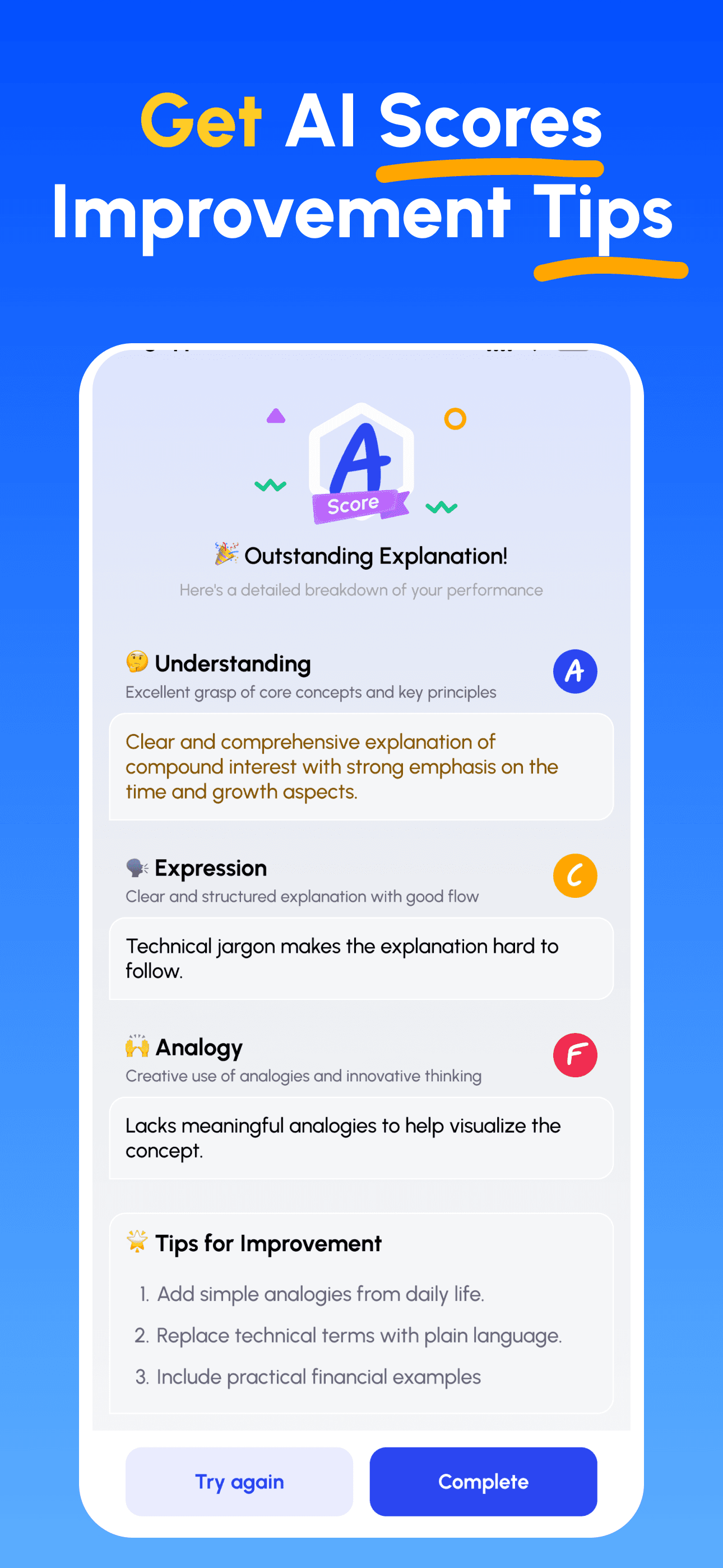
- AI 전문가 가이드 받기: 이해도, 설명의 명확성, 실제 적용 능력에 대한 즉각적이고 상세한 피드백을 받으세요.
- 점수 확인 및 개선: 타깃 팁을 따르고 설명을 다듬어, 간단히 가르칠 수 있을 때까지 반복하세요.
지금 파인만 AI 다운로드
더 나은 커뮤니케이션을 위한 여정을 오늘 시작하세요!