Cryptography
Cryptography is the art of keeping messages secret by turning them into codes that only intended people can read. 🔐
간단 소개
Just like how you might use a secret language with your best friend, cryptography is about protecting information from others. 🤫 It's used everywhere in our digital world, from sending text messages to making online purchases. Think of it as putting your message in a super-secure locked box where only the person with the right key can open it.
주요 설명
Making Messages Secret 📝
It's like having a special decoder ring from a cereal box, but much more complex. When you type a message, cryptography scrambles it into something that looks like gibberish. Only someone with the right 'decoder ring' (called a key) can unscramble it.
Keys and Locks 🔑
Just like your house has locks and keys, cryptography uses digital keys. Sometimes you use the same key to lock and unlock (like your house key), and sometimes you use different keys (like a public key to send messages and a private key to read them).
Protecting Information 🛡️
It's like putting your diary in a safe. When you shop online, cryptography protects your credit card number. When you use social media, it keeps your password secure. It's working behind the scenes to keep your digital life private.
예시
- When you see the little padlock 🔒 symbol in your web browser while shopping online, that's cryptography making sure your credit card information stays safe.
- Writing a message like 'HELLO' as 'IFMMP' by shifting each letter forward by one is a simple form of cryptography - just like secret codes kids use in games.
- WhatsApp's 'end-to-end encryption' is like putting your message in a magical envelope that can only be opened by your friend's phone - even WhatsApp can't read it! 📱
3단계로 모든 과목 마스터하기
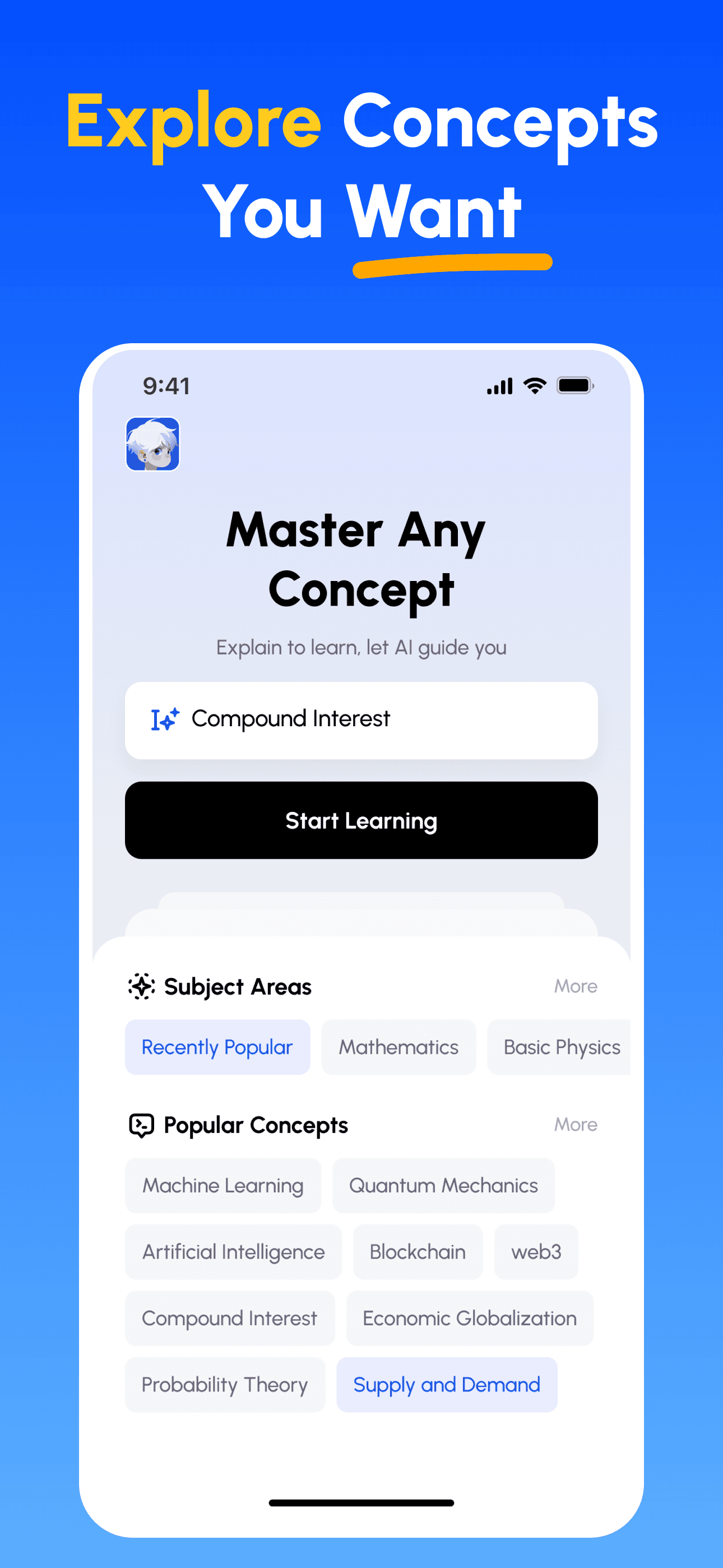
- 학습 목표 선택: 이공계, 비즈니스, 인문학, 전문 기술 등 수백 가지 개념 중에서 선택하세요. 복잡한 주제를 관리하기 쉬운 단위로 분해합니다.
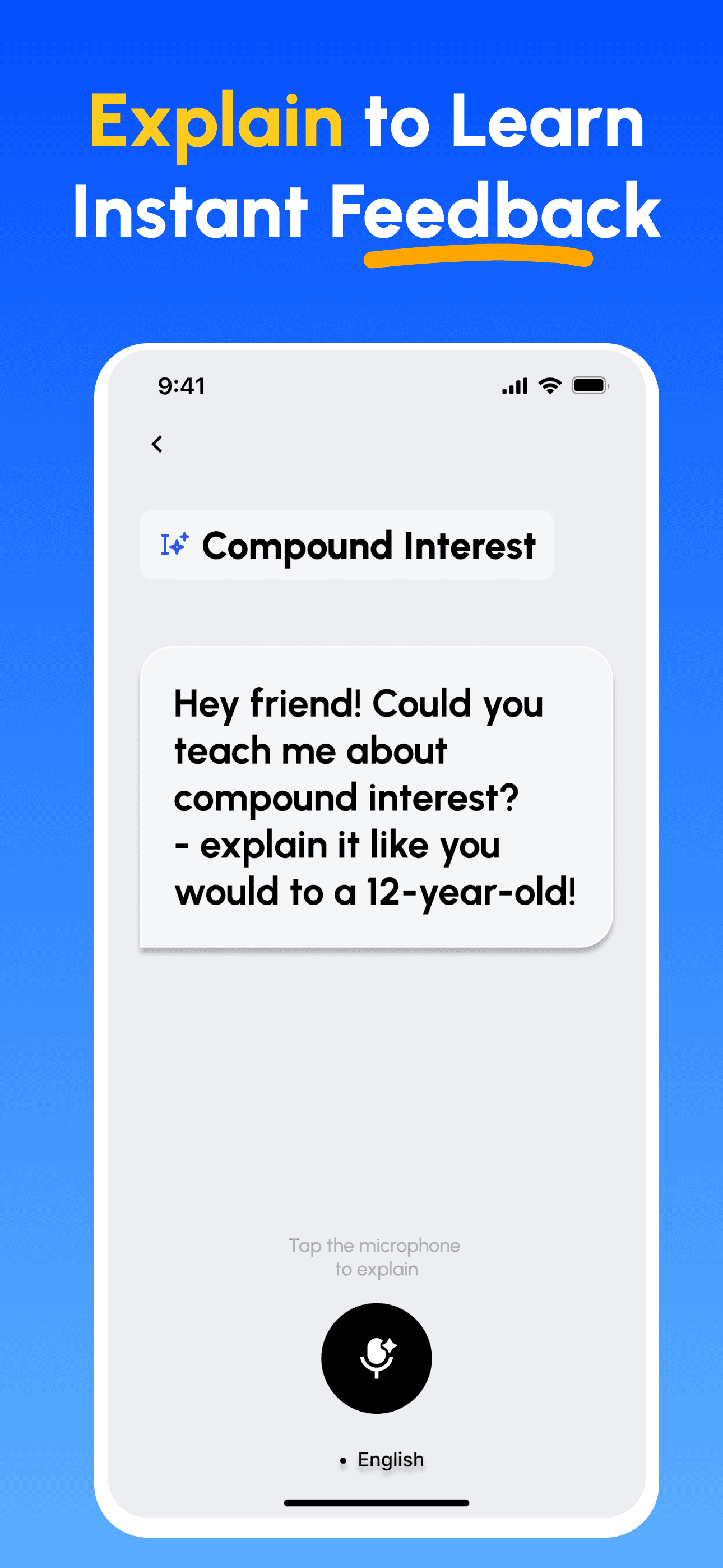
- 가르치면서 배우기: AI 기반 플랫폼을 사용하여 다른 사람을 가르치듯이 개념을 설명하세요. 지식의 격차를 즉시 발견하고 보완합니다.
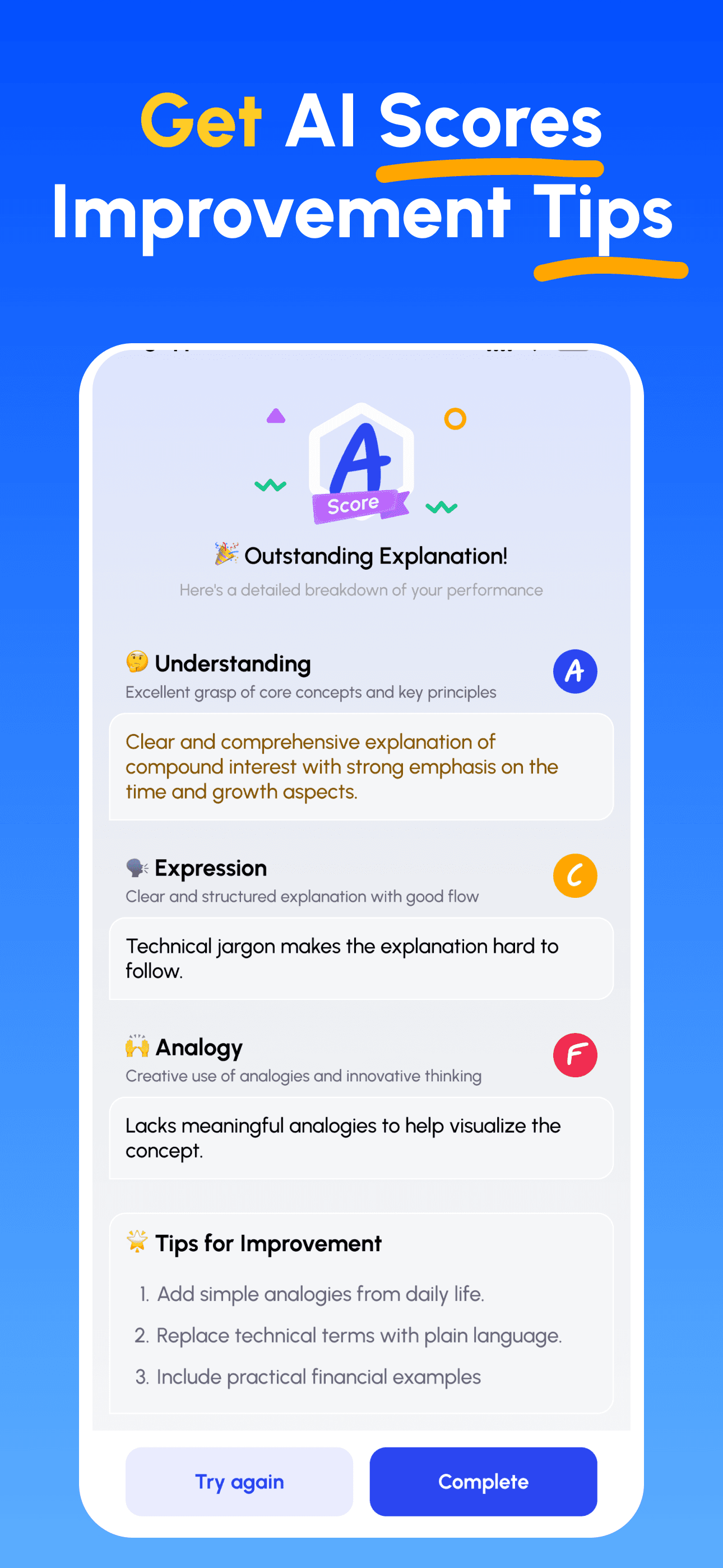
- AI 전문가 가이드 받기: 이해도, 설명의 명확성, 실제 적용 능력에 대한 즉각적이고 상세한 피드백을 받으세요.
- 점수 확인 및 개선: 타깃 팁을 따르고 설명을 다듬어, 간단히 가르칠 수 있을 때까지 반복하세요.
지금 파인만 AI 다운로드
더 나은 커뮤니케이션을 위한 여정을 오늘 시작하세요!