Binary Numbers
Binary numbers are a way of counting using only two digits (0 and 1), just like counting with your light switch - on or off. 💡
간단 소개
Just like we normally count using ten digits (0-9), computers use a simpler system with only two digits: 0 and 1. This system is called binary, and it's perfect for computers because electronic circuits can easily represent two states: on or off. It's like having many light switches that are either up or down to represent different numbers. 🔢
주요 설명
Two-Digit System
Instead of having ten digits like our regular numbers, binary only uses 0 and 1. It's like having a row of light switches where each switch can only be OFF (0) or ON (1). 🔌
Position Values
Each position in a binary number represents a power of 2 (1, 2, 4, 8, 16...), similar to how regular numbers use powers of 10. For example, the binary number 101 means 4 + 0 + 1 = 5. 📊
Counting in Binary
To count in binary, you flip digits from right to left: 1, 10, 11, 100, 101... It's like filling up an egg carton - when one space is full, you start filling the next one. 🥚
Computer Usage
Computers use binary because electronic circuits are best at dealing with two states: on or off. It's like using a simple yes/no system to represent all information. 💻
예시
- Think of a row of 4 light switches: if you have switches ON-OFF-ON-OFF, that's binary 1010, which equals 10 in regular numbers. 💡
- Imagine a pizza ordering system where toppings are binary: 1 means you want it, 0 means you don't. So 1101 means you want cheese, sauce, and pepperoni, but no mushrooms. 🍕
- Picture a 3-question true/false quiz. Your answers could be represented as 101 in binary, meaning you answered True (1), False (0), True (1). ✅
3단계로 모든 과목 마스터하기
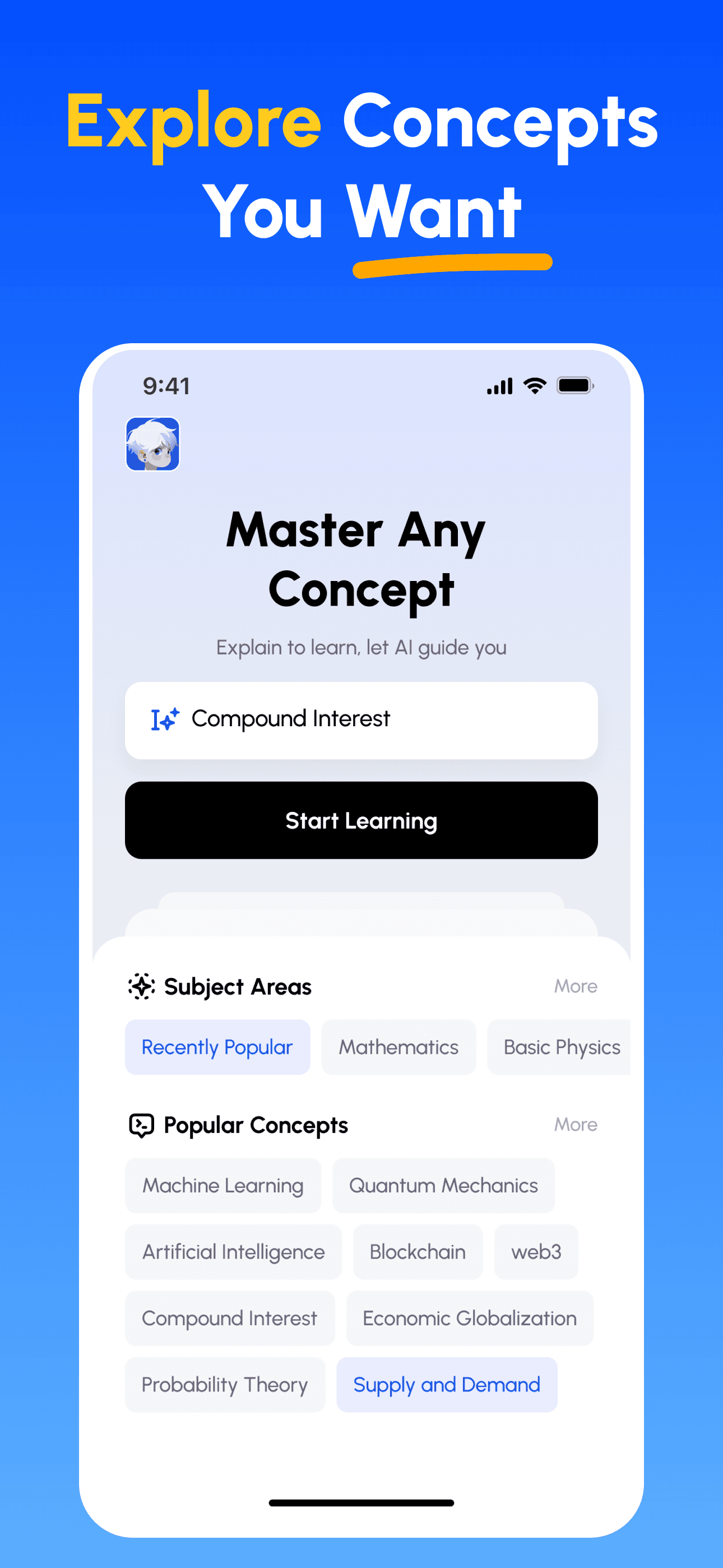
- 학습 목표 선택: 이공계, 비즈니스, 인문학, 전문 기술 등 수백 가지 개념 중에서 선택하세요. 복잡한 주제를 관리하기 쉬운 단위로 분해합니다.
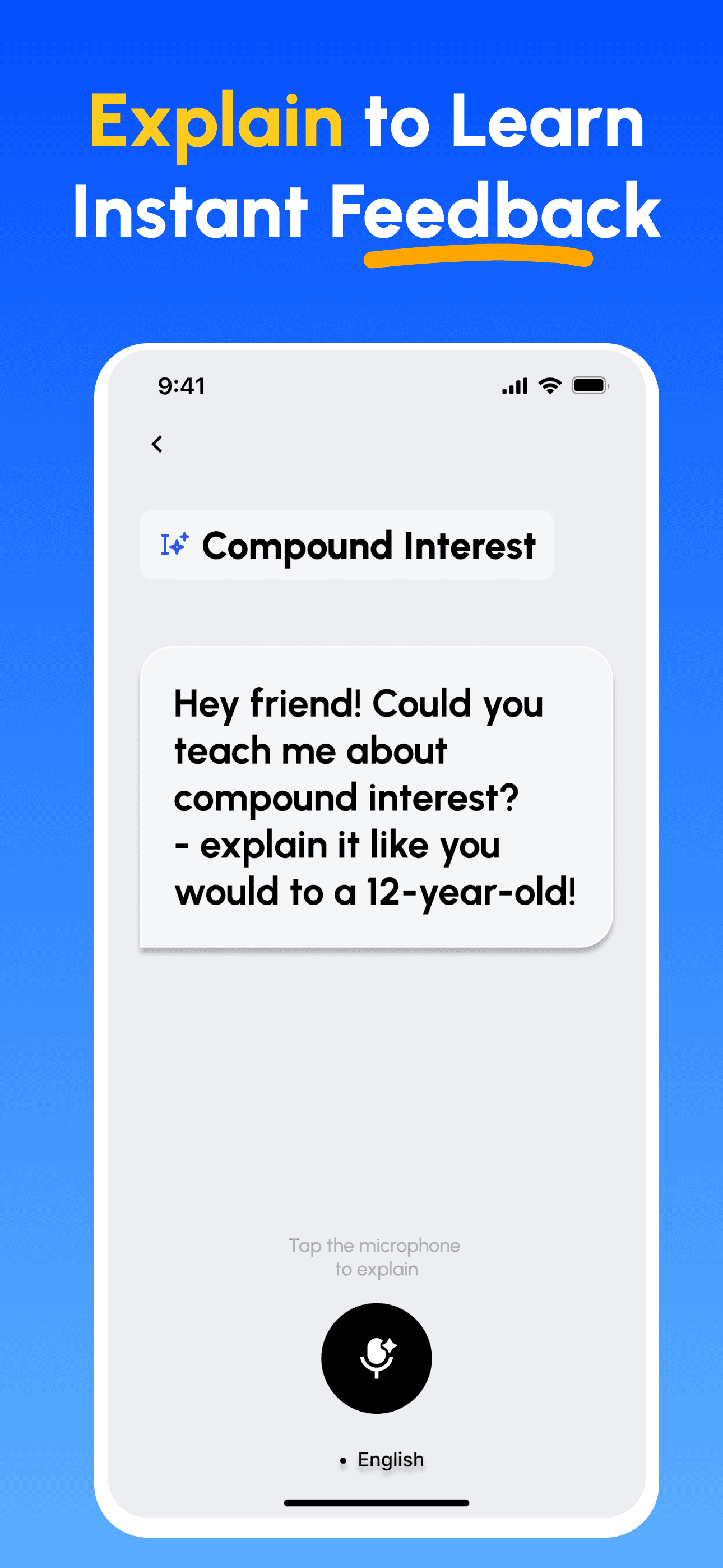
- 가르치면서 배우기: AI 기반 플랫폼을 사용하여 다른 사람을 가르치듯이 개념을 설명하세요. 지식의 격차를 즉시 발견하고 보완합니다.
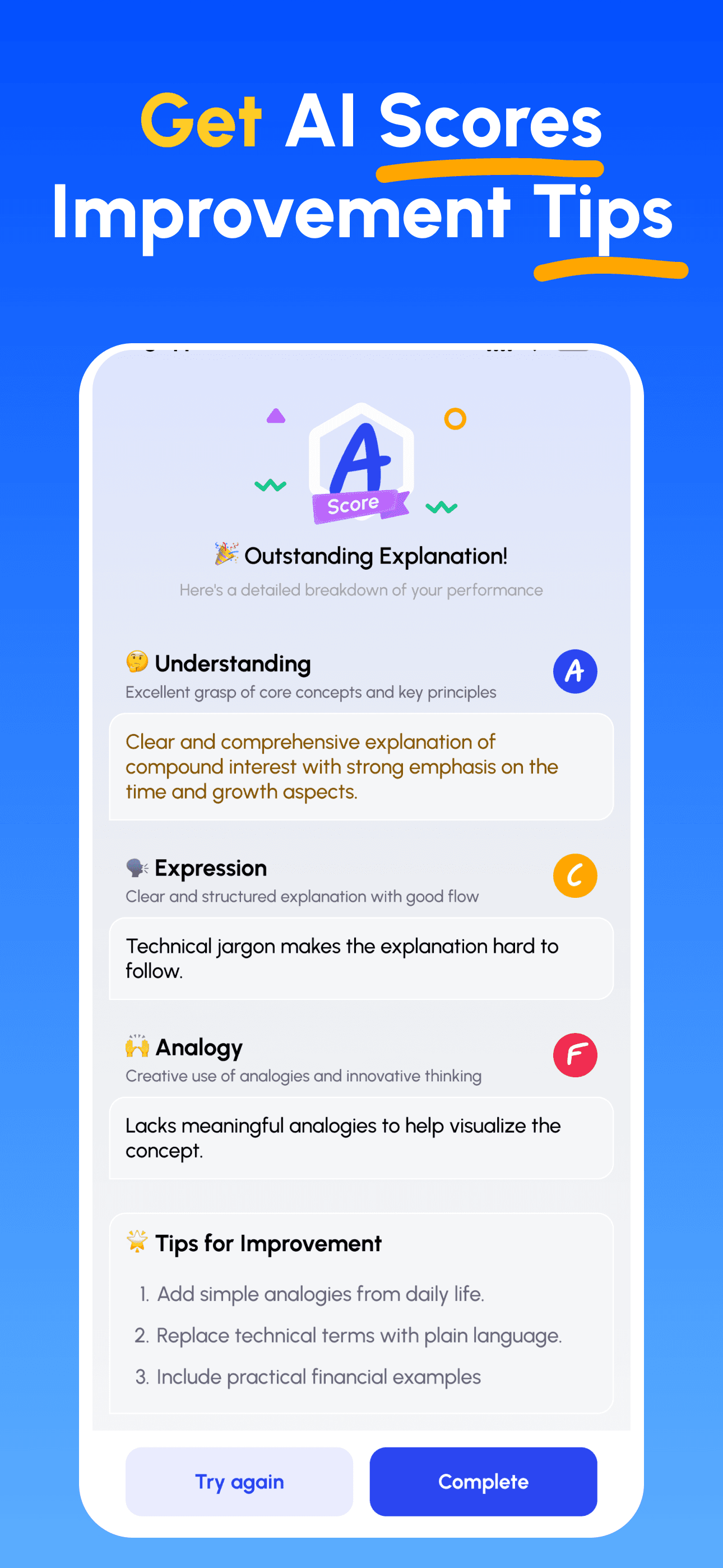
- AI 전문가 가이드 받기: 이해도, 설명의 명확성, 실제 적용 능력에 대한 즉각적이고 상세한 피드백을 받으세요.
- 점수 확인 및 개선: 타깃 팁을 따르고 설명을 다듬어, 간단히 가르칠 수 있을 때까지 반복하세요.
지금 파인만 AI 다운로드
더 나은 커뮤니케이션을 위한 여정을 오늘 시작하세요!