Computer Memory
Computer memory is like a desk where you keep things you're currently working on and things you want to save for later. 📝
Introduction Brève
Just as humans need to remember things, computers need a place to store information. Computer memory works like a combination of a workspace and a filing cabinet in your office. When you're working on tasks, you need quick access to current information (like your desk), and you also need a place to store things long-term (like filing cabinets). 🖥️
Explication Principale
Working Memory (RAM)
It's like your desk space - when you're actively working on something, you spread out your papers on the desk for quick access. RAM works the same way: it holds programs and data that your computer is currently using. When you turn off your computer, everything in RAM disappears, just like clearing your desk at the end of the day. 💻
Storage Memory (Hard Drive)
Think of this as your filing cabinet. Just as you file away important documents for safekeeping, your computer stores photos, documents, and programs on its hard drive. This information stays there even when the computer is turned off, like papers safely stored in your cabinet. 📁
Memory Capacity
Just as a desk has limited space and filing cabinets have a maximum number of folders they can hold, computer memory has limits too. RAM is typically measured in gigabytes (GB), like having different-sized desks, while storage is measured in terabytes (TB), like having different-sized filing cabinets. 📊
Exemples
- When you're writing a document, it's like having a piece of paper on your desk (RAM). You can make quick changes easily, but if you don't save it to your filing cabinet (hard drive), you'll lose it when you clean your desk (turn off the computer). 📝
- Playing a video game is like having a board game set up on your desk (RAM). The game pieces are readily available while you're playing, but when you're done, you pack it up and put it back in the closet (hard drive). 🎮
- Opening multiple browser tabs is like spreading out different magazines on your desk (RAM). The more tabs you open, the less desk space you have, and eventually, your computer might slow down, just like a cluttered desk makes it harder to work. 🌐
Maîtrisez Toute Matière en 3 Étapes Simples
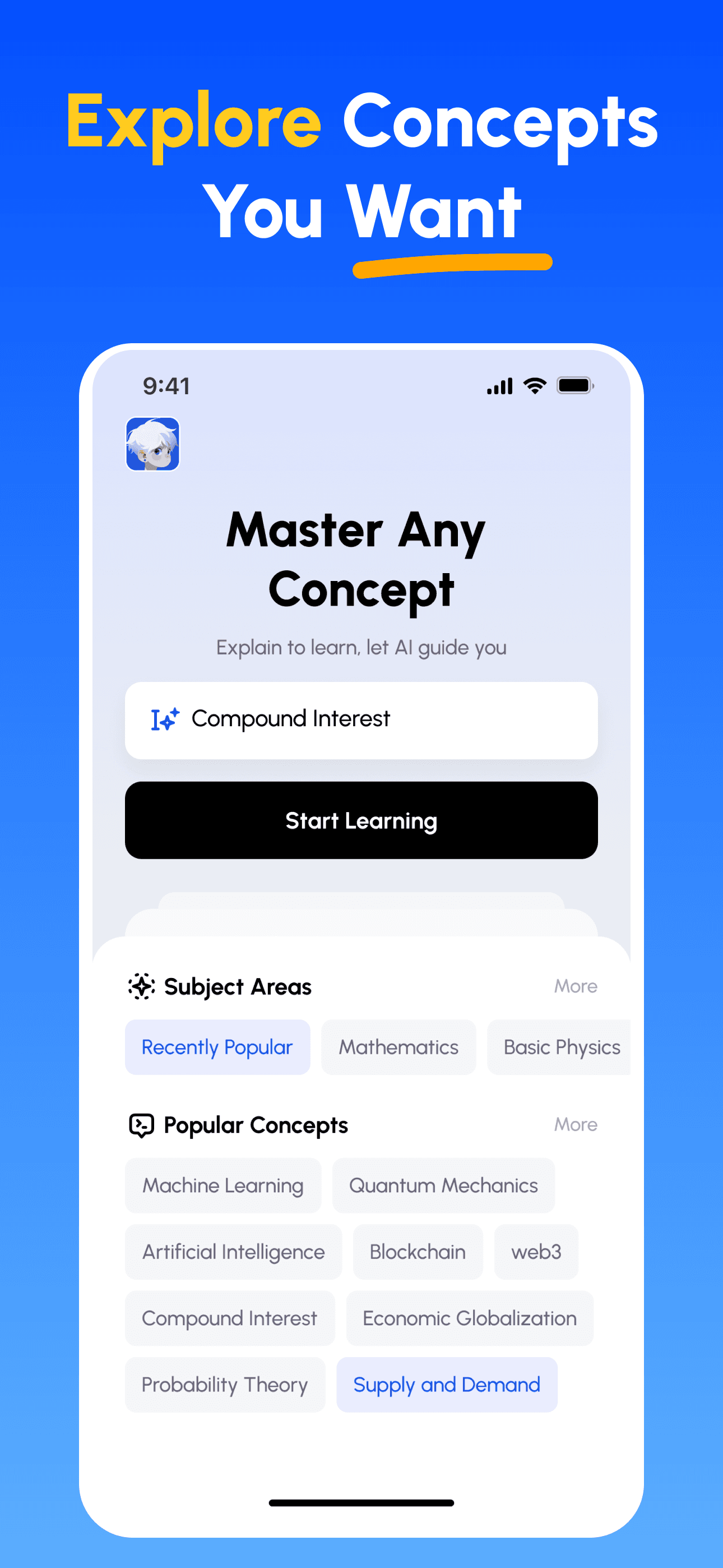
- Choisissez Votre Objectif d'Apprentissage: Sélectionnez parmi des centaines de concepts en sciences, commerce, lettres et compétences professionnelles. Décomposez des sujets complexes en parties gérables.
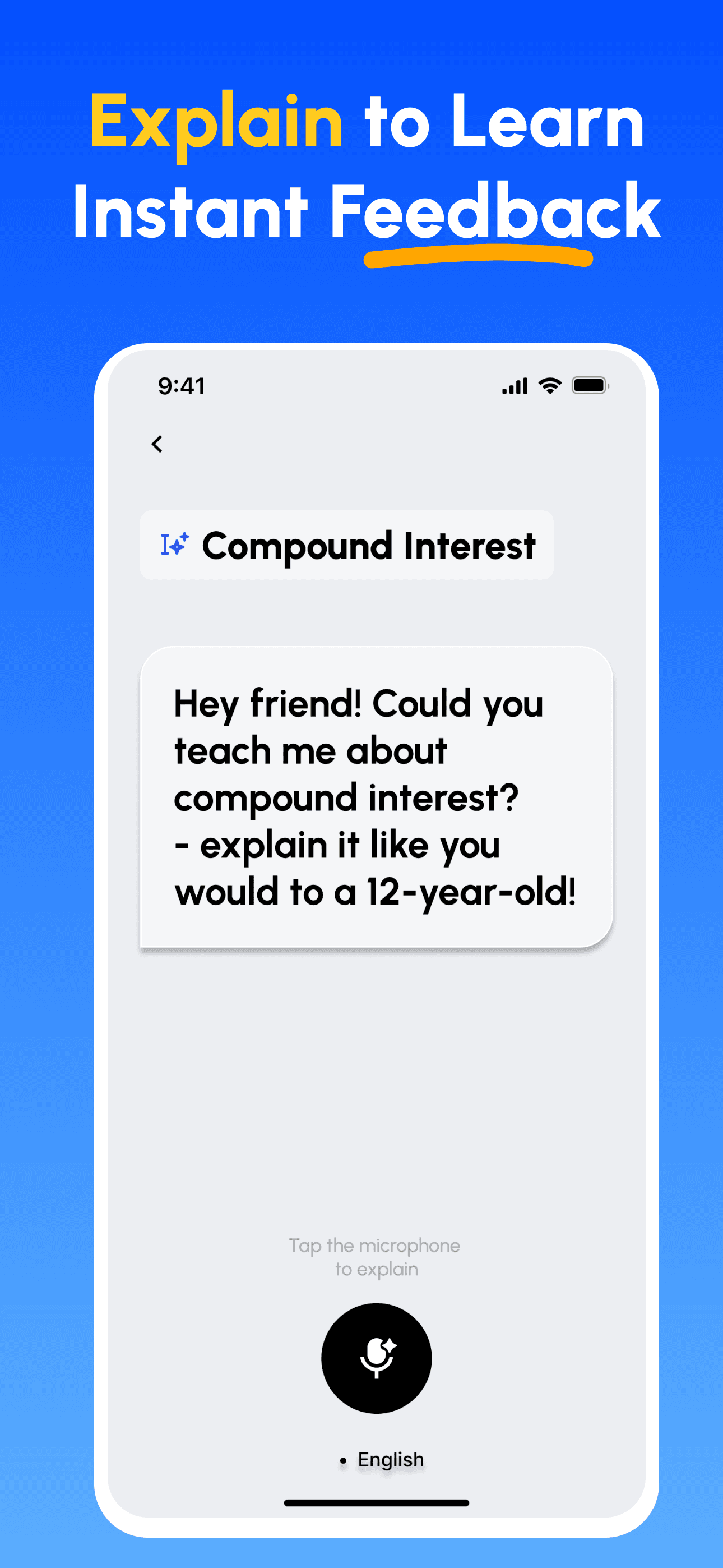
- Apprenez en Enseignant: Utilisez notre plateforme alimentée par l'IA pour expliquer des concepts comme si vous enseigniez à d'autres. Découvrez et comblez instantanément vos lacunes.
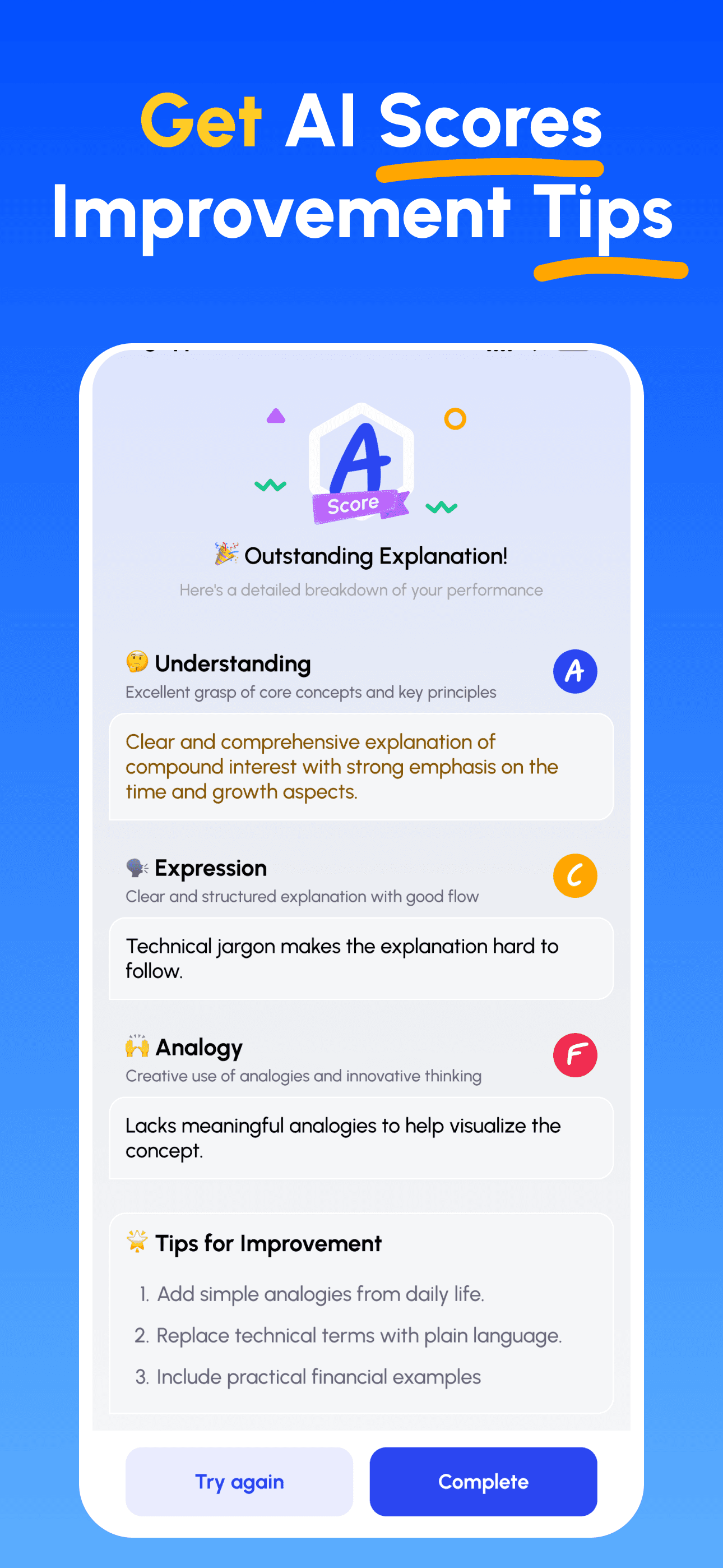
- Recevez des Conseils d'Expert par IA: Obtenez des retours immédiats et détaillés sur votre compréhension, la clarté de vos explications et vos compétences d'application pratique.
- Revoir les scores & améliorer: Suivez des conseils ciblés, affinez votre explication et itérez jusqu’à pouvoir l’enseigner simplement.
Téléchargez Feynman AI maintenant
Commencez votre parcours vers une meilleure communication dès aujourd'hui !