Memory Storage
Memory storage is like having different boxes to keep your things safe and organized so you can find them later. 📦
Introducción Breve
Just as we need places to store our physical belongings, computers need ways to store digital information. Memory storage is how computers keep track of all their data, from your photos to your documents. It's similar to how a library organizes and stores books - some are easily accessible on nearby shelves (like short-term memory), while others are archived in the basement (like long-term storage). 🗄️
Explicación Principal
Types of Storage
Like having both a backpack (temporary) and a closet (permanent), computers have two main types of storage: temporary (RAM) and permanent (hard drives). It's like the difference between remembering a phone number just long enough to dial it versus writing it down in your contacts. 📱
Storage Capacity
Storage space is measured in bytes, like measuring container sizes. A byte is like a single letter, while gigabytes are like entire books. The more storage you have, the more 'books' you can keep. 📚
Storage Speed
Different storage types have different speeds, like comparing grabbing something from your pocket versus getting it from your basement. Faster storage (like SSDs) is usually more expensive but helps you access your files more quickly. ⚡
Ejemplos
- Think of RAM like a chef's kitchen counter - it's where active work happens, but space is limited and everything disappears when you turn off the power (like cleaning up after cooking). 👨🍳
- A hard drive is like a filing cabinet - you can store lots of documents for a long time, and they stay there even when the power is off, but it takes longer to find what you need. 🗄️
- Cloud storage is like having a storage unit you can access from anywhere - you don't need to keep everything in your house, but you need an internet connection to reach it. ☁️
Domina Cualquier Materia en 3 Pasos Sencillos
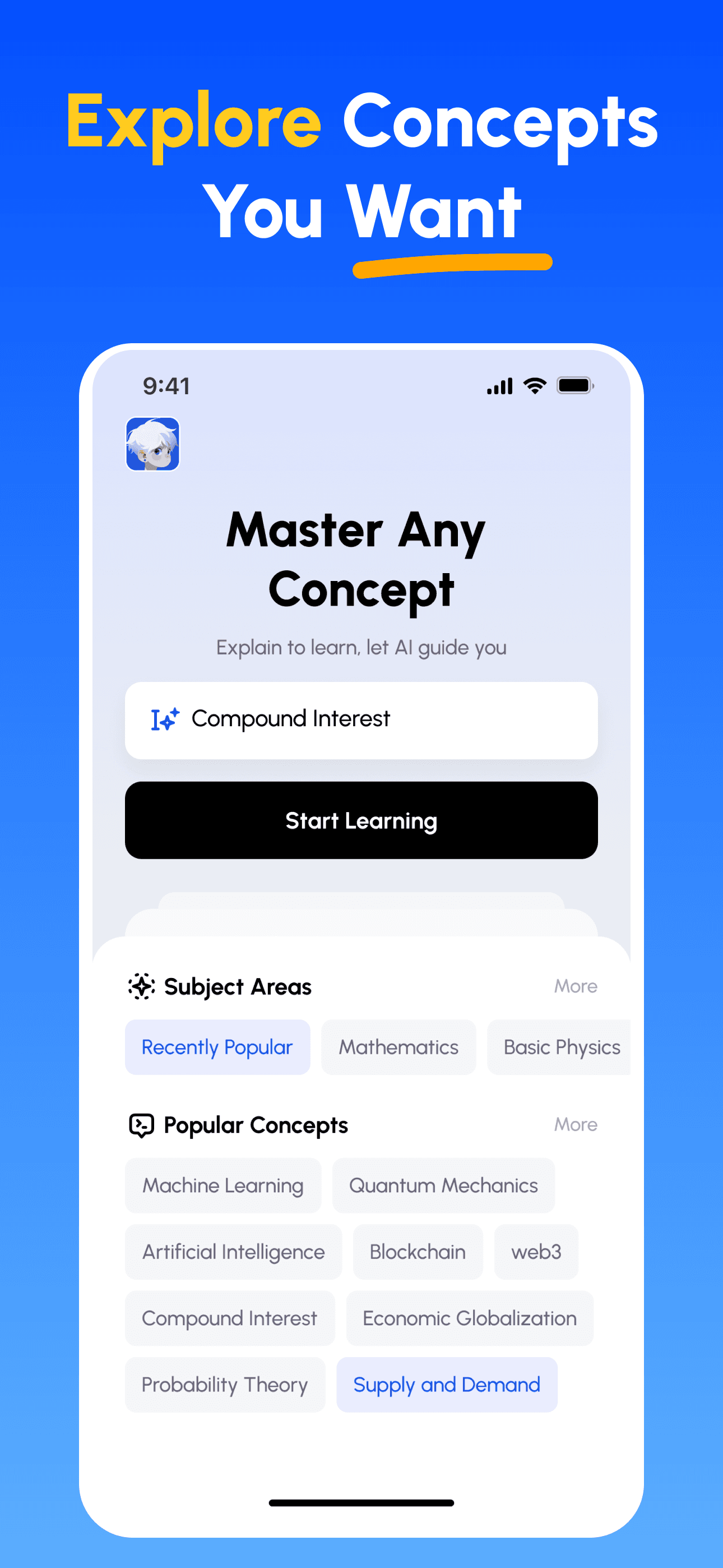
- Elige tu Objetivo de Aprendizaje: Selecciona entre cientos de conceptos de ciencias, negocios, humanidades y habilidades profesionales. Divide temas complejos en partes manejables.
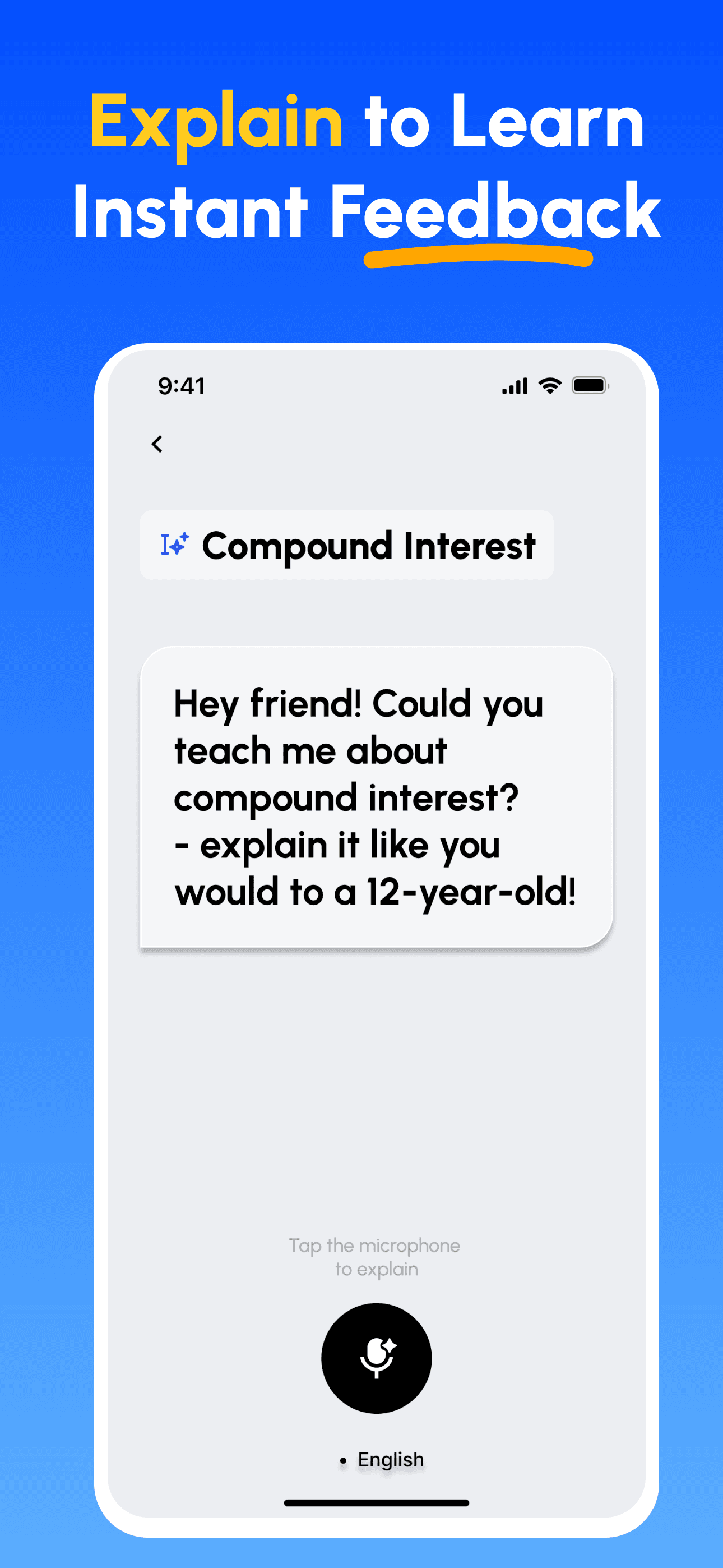
- Aprende Enseñando: Utiliza nuestra plataforma con IA para explicar conceptos como si estuvieras enseñando a otros. Descubre y llena tus vacíos de conocimiento al instante.
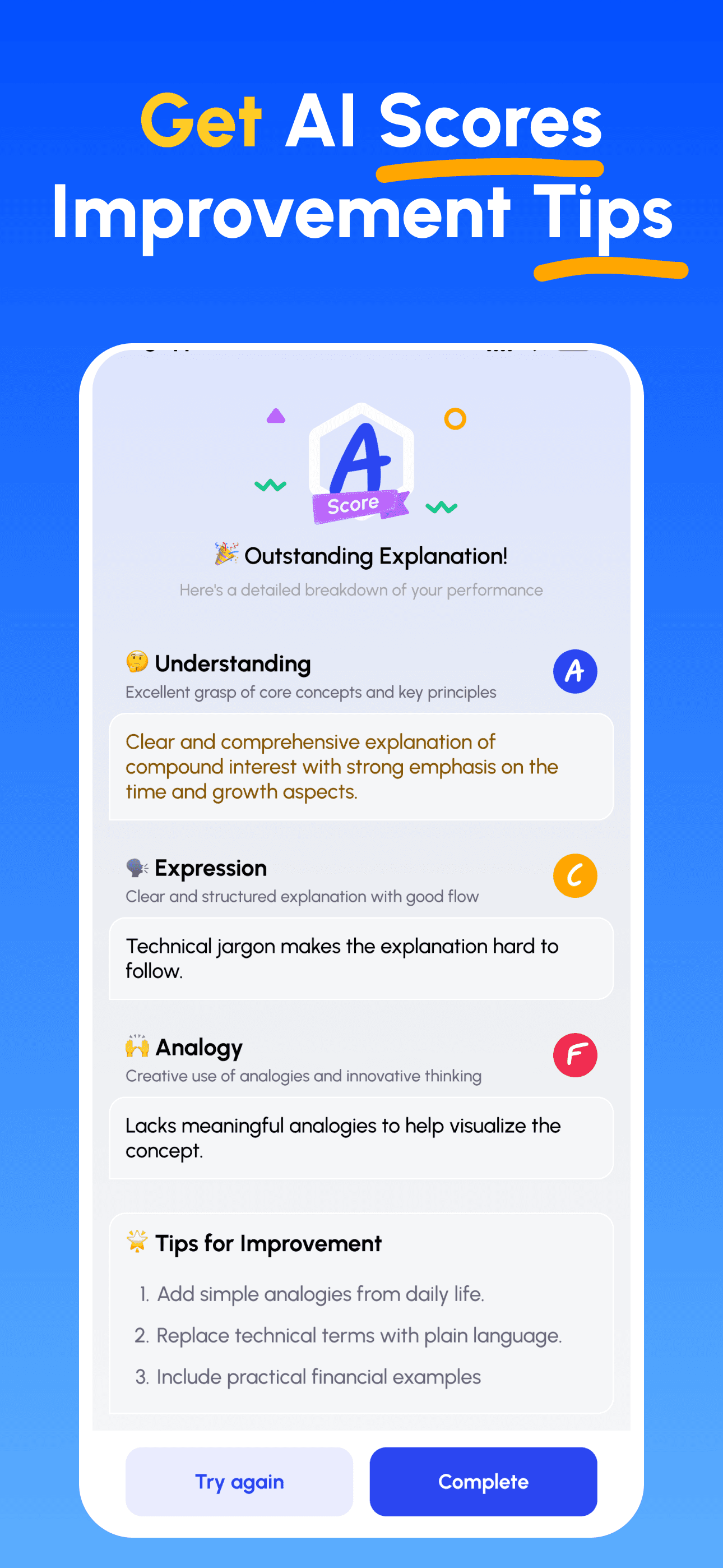
- Recibe Guía Experta de IA: Obtén retroalimentación inmediata y detallada sobre tu comprensión, claridad de explicación y habilidades de aplicación práctica.
- Revisa puntajes y mejora: Sigue consejos dirigidos, refina tu explicación e itera hasta poder enseñarlo con sencillez.
Descarga Feynman AI Ahora
¡Comienza tu viaje hacia una mejor comunicación hoy!